What do your connections think?
Let's assume you have all your current potential new members as 1st degree connections in LinkedIn. Have you considered conducting a short poll among them and then sharing the information?
Perhaps, you could do a poll with the current members of your group?
Imagine creating a poll that went something like this:
- What's the greatest issue you face in 2010 as a CEO?
- Where is the most common form of information you receive outside of your company to help you in decision making?
- On a scale of 1-10 how helpful has an executive coach been in improving your personal and company success?
- Have you implemented a best practice in the last year?
You get the idea.
Now you could publish the results to your potential members?
95% of Vistage group members in Denver found the use of an executive coach to be effective.
87% of TEC members in Vancouver who were a member of a TEC Group for 2 years saw a 22% increase in profits.
86% of CEOs surveyed in Dallas solved over 75% of their business issues through peer groups.
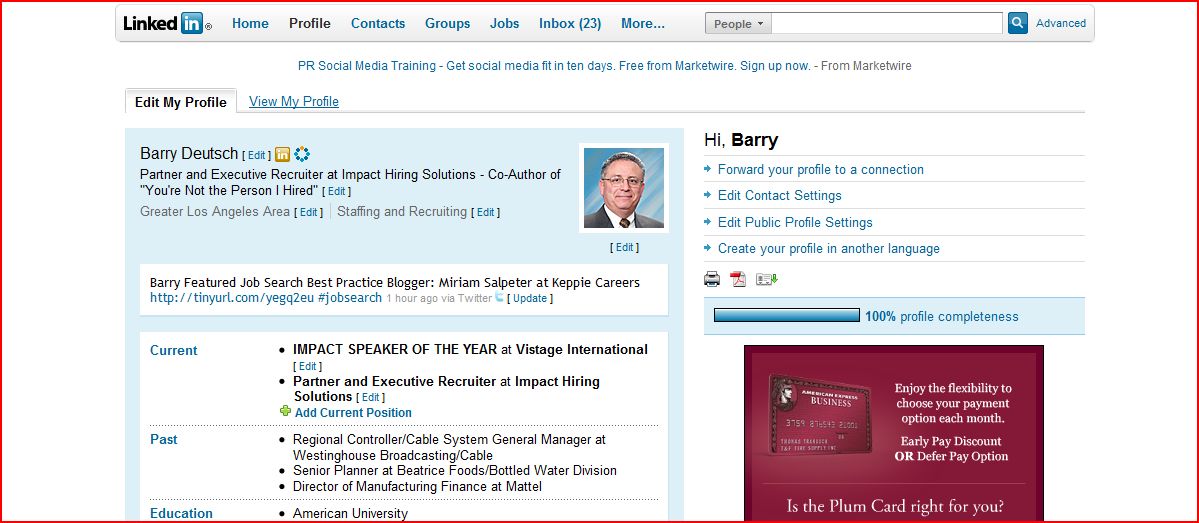
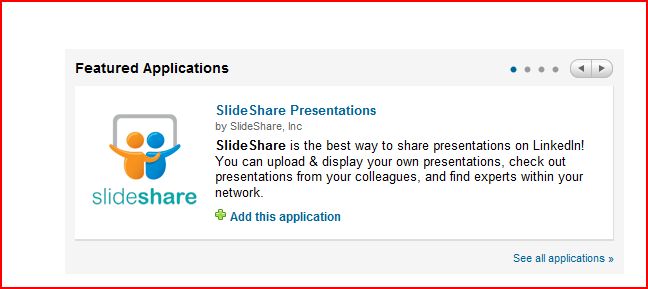
You can find the polls application on your home page under your profile. See the button at the bottom of your applications "See all applications". Click on this button.
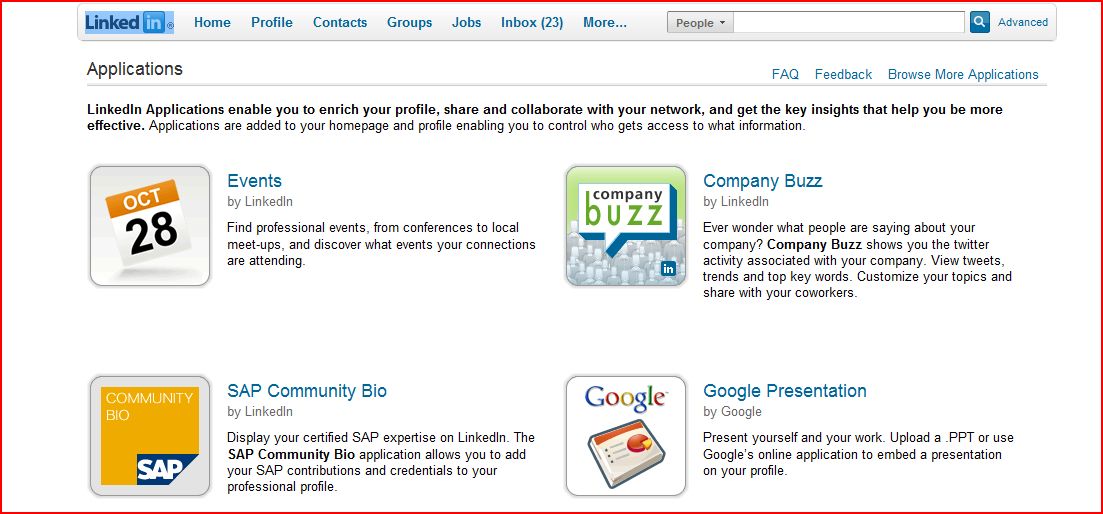
You'll then be taken to the applications page where you can see the various applications LinkedIn offers for you to include on your profile, such as your wordpress blog, twitter stream, slideshare presentations, and polls. Click on the application for polls.
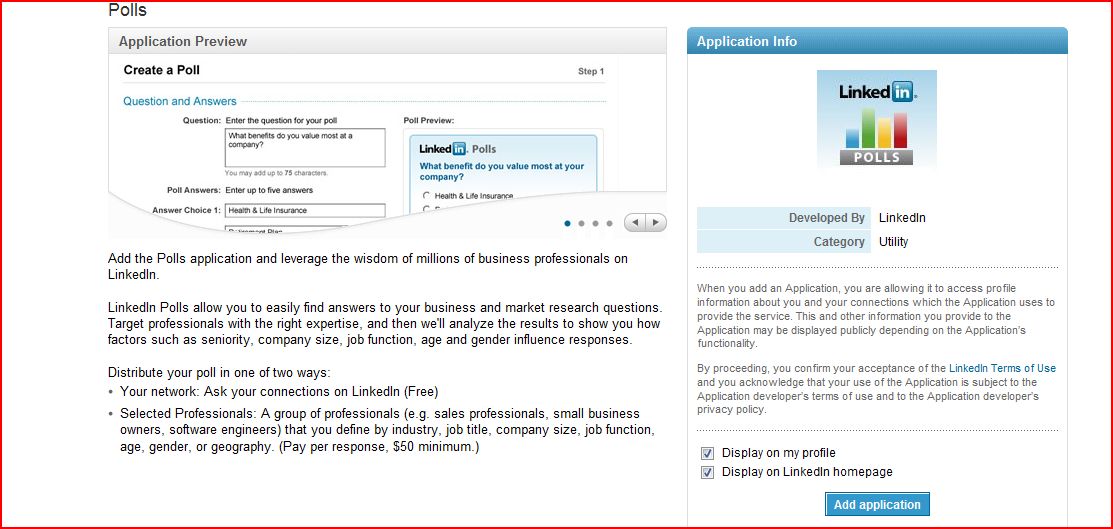
Now you're presented with the poll application. Follow the directions to add it to your LinkedIn Profile.
I'm curious if any Chairs have done any surveys among either their prospects or existing members and then used that information to publish an article, blog post, youtube video, slideshare presentation, or a PR release in their local community?
If you've done this before, please send me a link to the article or post so that I can share it with the rest of the Chair Community as an example of using an advanced feature of LinkedIn.
Barry Deutsch