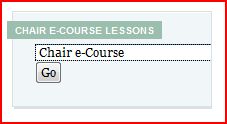
I've added a little "widget" in the sidebar on this blog to improve navigation through the various lessons of the Chair e-Course on Leveraging Social Media to Find Members. Apparently on some computers, the lessons after number 11 or 12 appear almost transparent or in a white-out - making it difficult to see them.
You'll see the new widget in the sidebar right between the RSS subscription icon and the categories list. It's titled Chair e-Course Lessons.
Click on the one line box below the widget title which says Chair e-course.
Upon clicking in that box - all the Lesson Pages will appear in a drop down.
Select the page you are interested in reading
Click the go button and the page will appear
To return to the front or home page simply click the home button at the top navigation bar in the far left corner
Barry Deutsch